Color & Tone
By Ali Ghorbani · Published Feb 23, 2026 · Updated Mar 17, 2026
Color is one of the most powerful tools for evoking emotion in photography. A warm sunset palette feels nostalgic and inviting; a cool blue-grey palette feels somber and reflective. Understanding color harmony, white balance, and tonal range will help you create images that feel intentional and cohesive rather than accidental.
The Color Wheel for Photographers
The color wheel organizes hues into a circle, making relationships between colors visible at a glance. The three most useful relationships for photographers are: complementary (opposites on the wheel, like blue and orange), which create maximum contrast and visual pop; analogous (neighbours on the wheel, like green, teal, and blue), which feel harmonious and calm; and triadic (three evenly spaced colours), which feel vibrant and balanced. You don't need to memorize the wheel — just train your eye to notice which colours appear in a scene and how they relate.
 Good Example
Blue and orange are complementary colours. The boat pops off the water without any editing because the colour contrast does the work naturally.
 Needs Work
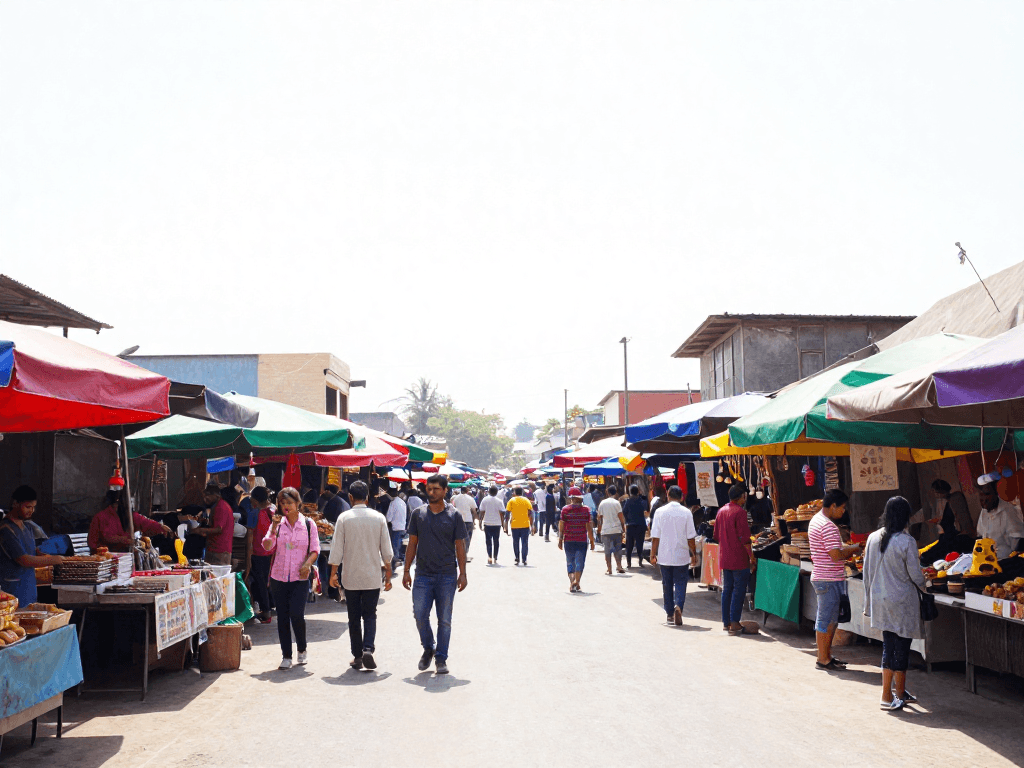
Too many strong colours at once creates visual noise. The eye has nowhere to rest. Simplify by framing tighter or converting distracting elements to muted tones.
White Balance & Color Temperature
Every light source has a colour temperature, measured in Kelvin (K). Candlelight is around 1800K (very warm/orange), daylight is roughly 5500K (neutral), and shaded or cloudy light is 7000–8000K (cool/blue). Your camera's white balance setting tells it what “neutral” looks like so colours render accurately. Auto white balance (AWB) works well in simple lighting, but mixed sources (window daylight + tungsten room light) can confuse it. Setting white balance manually — or shooting RAW and adjusting in post — gives you full control.
 Good Example
When white balance matches the dominant light source, skin tones look natural and whites appear clean. A consistent colour cast feels intentional.
 Needs Work
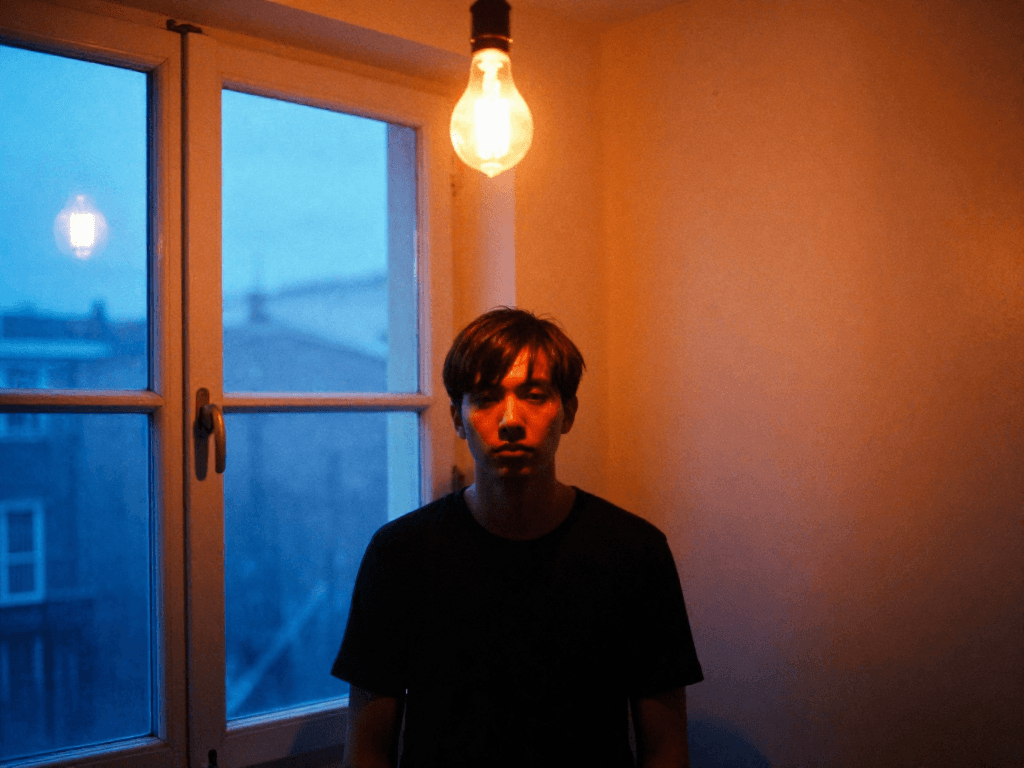
Mixed colour temperatures split the image. No single white balance setting can fix both halves. Turn off the indoor light, or move the subject fully into one source.
Warm vs Cool Tones & Mood
Colour temperature isn't just a technical setting — it's a storytelling choice. Warm tones (golds, ambers, reds) evoke comfort, nostalgia, energy, and intimacy. Cool tones (blues, teals, greys) suggest calm, isolation, melancholy, or professionalism. Many iconic film looks are built on this: the warm orange-and-teal Hollywood grade, the desaturated cool tones of Nordic cinema, the golden warmth of Wes Anderson. You can push colour temperature in post, but it's even more powerful when you choose the right light at capture time.
 Good Example
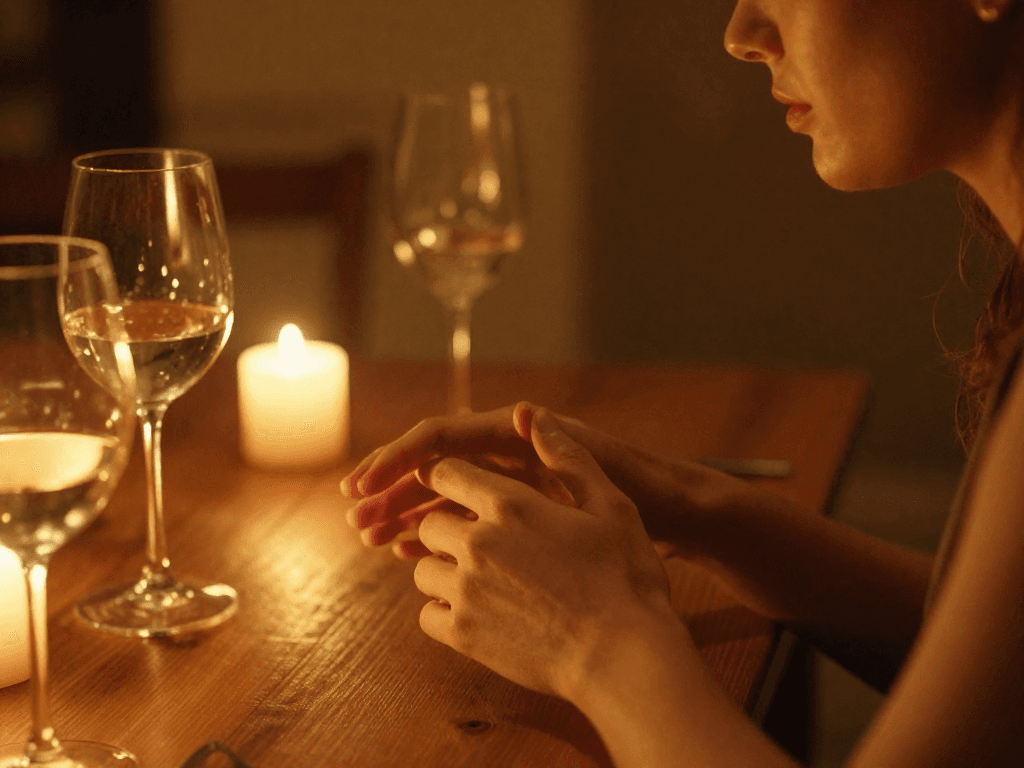
The warm colour palette matches the intimate mood of the scene. The colour choice reinforces the emotion rather than fighting it.
 Needs Work
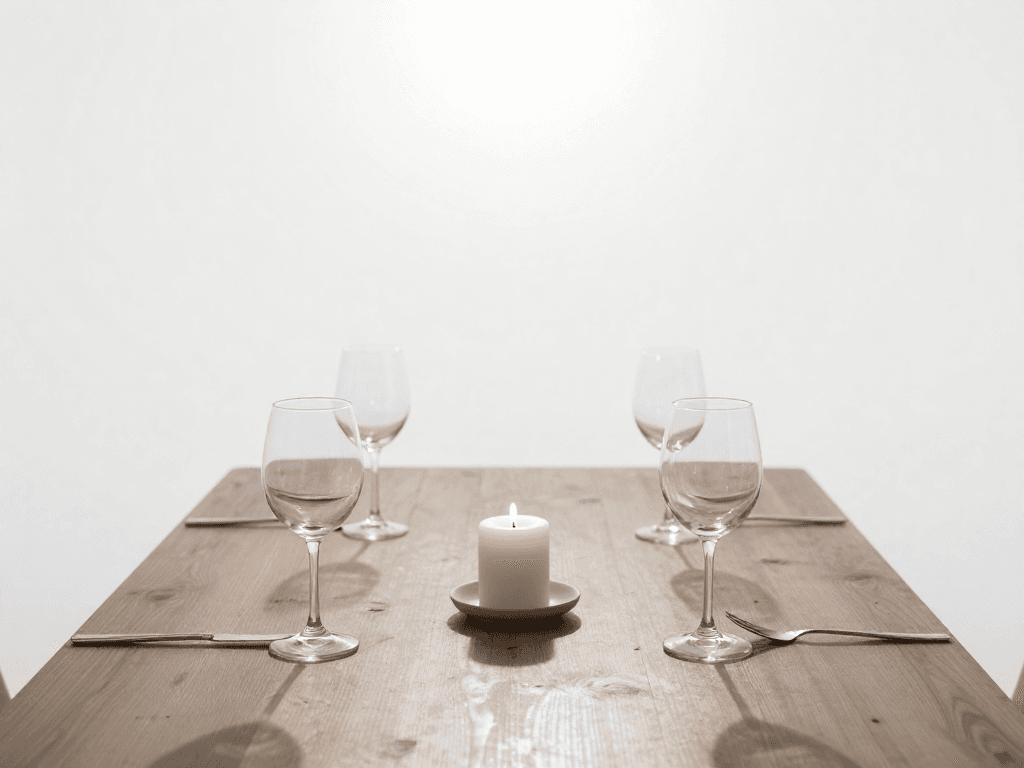
Correcting the warmth to neutral removes the atmosphere. Sometimes technically “correct” colour is emotionally wrong. Let the mood guide your choices.
Saturation & Tonal Range
Saturation controls how vivid or muted colours appear. Beginners often crank saturation to make images “pop,” but this can make skin tones look sunburned and landscapes look like cartoons. Professional photographers often do the opposite: slightly desaturate the overall image, then selectively boost just one or two key colours. This creates a cohesive look while directing attention. Tonal range — the spread from the darkest shadow to the brightest highlight — is equally important. A full tonal range gives an image depth, while a compressed range (all midtones) can feel flat or dreamy depending on intent.
Quick Color Tips
- •Complementary colours (opposites on the colour wheel) create visual tension and energy. Blue/orange and red/green are the most common pairings in photography.
- •Set white balance manually — or shoot RAW — for consistent results across a shoot. Don't rely on Auto WB in mixed lighting.
- •Muted, slightly desaturated tones often convey mood better than oversaturated colours. Pull back saturation globally, then selectively boost one accent colour.
- •Look for naturally occurring colour harmony in scenes: a yellow taxi against a blue building, autumn leaves against an overcast sky.
- •Use colour to create depth: warm colours appear to advance (come forward), cool colours appear to recede (push back).
- •Limit your palette. The most striking images often feature just two or three colours. Simplify by changing your angle, zooming in, or waiting for distracting elements to move.
- •When editing, adjust the HSL (Hue, Saturation, Luminance) sliders individually rather than the global saturation slider. This gives you surgical control over each colour.
- •Learn to see colour casts. Shoot a white or grey card at the start of a session and use it as a reference point in post-processing.